Atheera AI
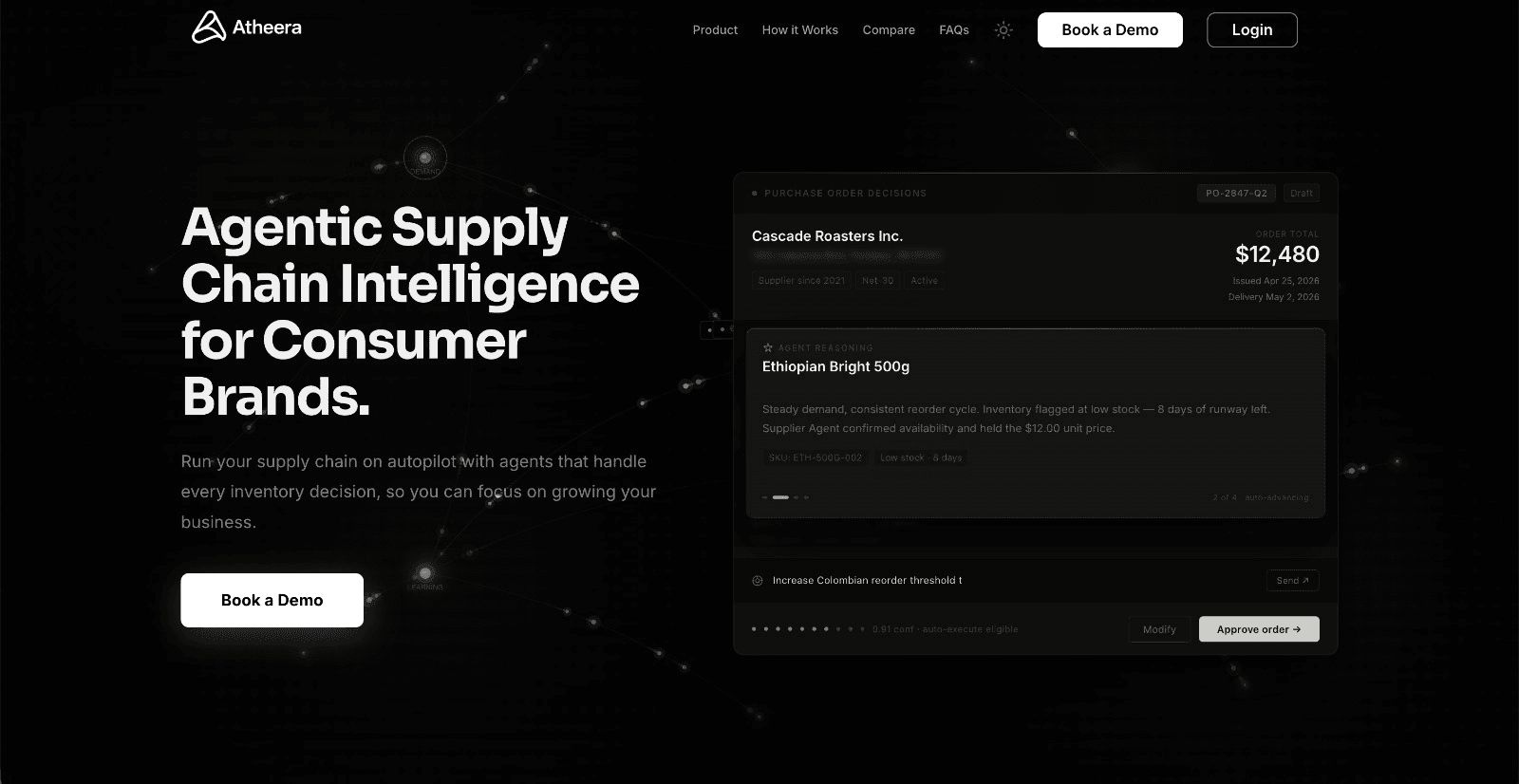
From fragmented retail data to a purchase order ready for review
We helped turn weekly reorder planning into one clear workflow—without asking the business to hand purchasing decisions over to a black box.
The story in 30 seconds
- Before
- Answering “What should we reorder this week?” required sales, stock and supplier information from Shopify, spreadsheets and historical files—and the team still had to decide whether the answer was trustworthy.
- What changed
- One workflow that validates the incoming data, prepares SKU-level forecasts, recommends reorder quantities and turns reviewed recommendations into an editable purchase order.
- After
- The retailer could move from fragmented source data to a purchase order ready for review in one system. Important data issues and unusual recommendations stayed visible, while the operator retained control over every commitment of working capital.
Before: a simple question required several sources
Inventory planning started with a familiar question: what should we reorder this week? Reaching a dependable answer meant bringing together sales history, current stock, supplier lead times, minimum order quantities and pack sizes.
That information lived across Shopify, spreadsheets and manually maintained files. Before forecasting anything, the team had to check whether SKUs matched, whether records were missing and whether a spike represented real demand or a temporary promotion.
The team did not need another dashboard. It needed a decision it could inspect and act on.
One path from raw data to a usable decision
We built a workflow that accepted Shopify data and manual uploads, mapped them into a consistent structure and showed users what needed attention before the data reached forecasting.
Once the data was ready, the system prepared SKU-level demand forecasts and proposed reorder quantities using the constraints the business already worked with. Reviewed recommendations could then become an editable purchase order rather than another report somebody had to translate into action.
The new workflow
- Connect or upload data
- Validate it
- Prepare the forecast
- Recommend quantities
- Review
- Create the purchase order
Making the recommendation understandable enough to use
Products do not all behave alike. Some sell steadily, some are seasonal, some move intermittently and others have too little history for a confident forecast. A single unexplained number would hide those differences precisely when the buyer needed to see them.
Each recommendation therefore carried its confidence, supporting reasoning and relevant exceptions. Unusual demand, stockouts, limited history and data-quality issues could be surfaced for review instead of being silently absorbed into the answer.
- Not just
- “Order 120 units.”
- Instead
- “Here is why, how confident the system is and what you should check.”
The operator stayed in control of the money
Purchasing decisions affect cash and service levels, so the workflow did not place orders on its own. The operator could confirm, edit or reject every recommendation, change quantities and vendor assignments, and review those changes before creating the purchase order.
This kept the repetitive preparation with the system and the consequential decision with the person accountable for it.
After: one reviewable route to the weekly order
The delivered product connected data preparation, forecasting, reorder logic and purchase-order creation in one place. The team could see problems before they affected a recommendation and understand why the system was proposing each quantity.
Most importantly, automation supported the buyer’s judgment rather than asking the buyer to surrender it.
Raw operational data went in. A purchase order someone could confidently review came out.